Intro
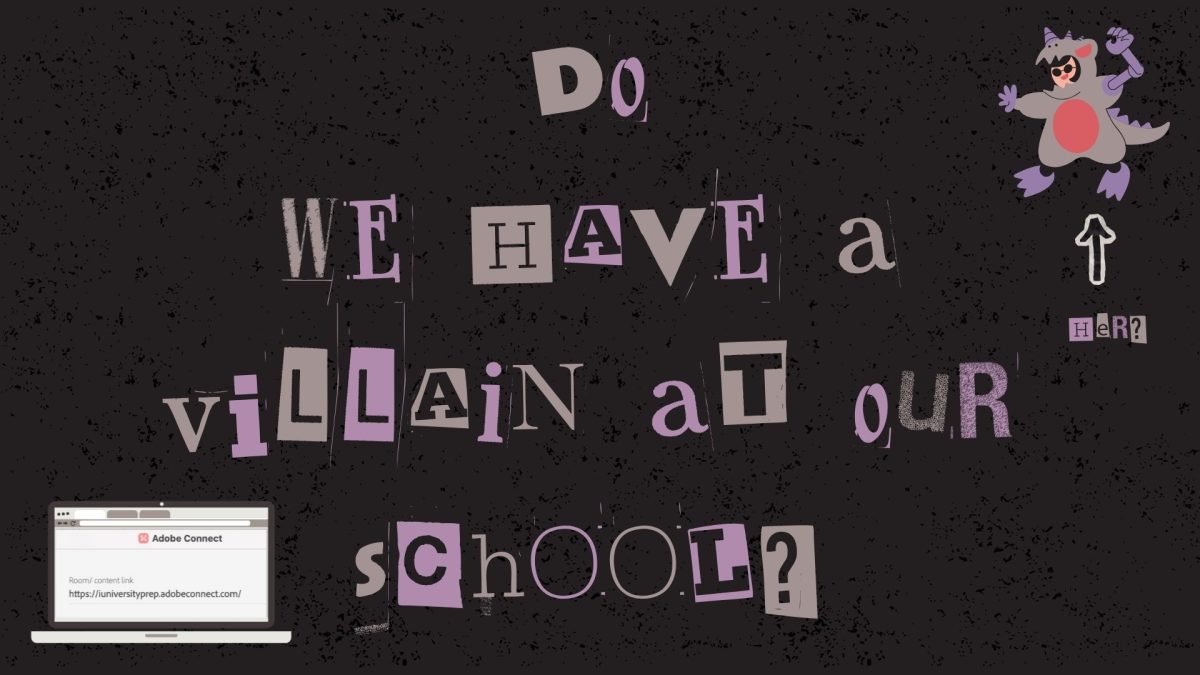
Picture this. It is a dark, stormy day. The power has been cut off, the connection severed, all ties to humanity gone, and anarchy has descended upon us all. It is on this day I choose to ask: “do we have a villain at our school?” We all have some tech platforms we love, and others that we just can’t stand, but what side of the spectrum do we fall on with Adobe Connect? While it enables us to connect and learn, it also inspires fear of losing ourselves halfway through the meeting, not being able to hear, or simply never being able to join a meeting, no matter how hard we try. So, is Adobe the villain of our story, or is it deeper than that?
It Happens Sometimes
Going back to reality, technology can start acting funky, like the well known Canvas outage of last year (honestly, who could forget that?). Want to guess the most common issue Owls and Owl professors face? The answer is drumroll please… WIFI!!! Over 50% of our army faces WiFi issues, with audio issues following close behind. Other simple issues include video or mic trouble, but Adobe also causes a whirlpool of more complex issues, such as lagging, glitching, screen sharing glitches, videos not sharing, browser trouble, and a multitude of others. So, what can be done?
Resourceful as always, Owls have tested multiple different solutions, such as restarting their laptop, changing wifi, rejoining and more, carefully choosing the perfect solution to each problem that arises. More complex issues do require much more intense solutions. These solutions are often much longer and harder to do, wasting time and affecting learning. For example, Ro, 10th grade had this to say: “new browser JUST for Adobe Connect.” because: ”Half the time it takes fifteen minutes for me to get into the room even if the teacher has already let me in.” A lot of patience, prayer and hope is required to master the art of adobe fixes, and that brings us to our next question; do we limbo with the unknown, or stay in the safe zone?
Get outta my turf
The ultimate question on all of our minds; should we stay with Adobe? For 60% of our Owls AND our Owl professors, the answer is yes, yes we should.
From an Owl professor’s perspective, Mrs Travis sums it up perfectly: “…we will continue to have issues regardless of which company we go with since we have security restrictions in place. Sometimes it just slows things down! I think Adobe is a lot more engaging than some of the other options out there!”Owl professors use Adobe more than us, and they use the backend as well, which means they would have a better idea of the usefulness of Adobe in our school.
However not all professors think the same. One teacher said: “I just want something easier and more reliable. Something that would work with google slides would be awesome,” showing us the flip side of the coin.
For Owl’s, it’s more about being able to join the meeting and interact with their classmates and teachers. As long as that’s doable, then Adobe is pretty good. Ninth grader, Natalie Poachman, for example, said:“I feel like Adobe Connect it going to be the best option there is because of all the different things that are available on it, and it is pretty easy to use.”, but ninth grader, Avalon Bublitz feels that: “ … Adobe is sometimes really slow and it may not be fair to some people who already have bad internet connection, and I believe that having a faster-working platform would ensure fair learning for everyone!”
Interactivity is something on everyone’s mind, and for that Adobe seems to fit the bill. Owls and Owl professors love the pods, chats, layouts, various games, and accessibility that Adobe offers. This interactivity is something that made a lot of Owls say yes to keeping Adobe, but others suggested options that may be similar with less problems. Avalon Bublitz, suggests the app: “…Engageli, since it’s pretty similar but it’s faster and no one needs to install/download the app to use it 🙂”
Adobe’s Funniest Times
Now, let’s humor readers a bit with some rather humorous recollections of Adobe’s accidents from all over the school.
Starting off strong with Mrs. Goosen: “I went to try and share my screen, and for some reason it took that moment to share a pop up for EVERY chat message I had received over the course of the entire live lesson. My whole screen was just a flurry of pop up notifications. It was crazy.”, sounds like a nightmarish, but quite funny, situation, doesn’t it? Another professor, Mrs. Merrick, agrees. She states: “It is always a crazy day for a teacher when adobe kicks you out and the kids are still in the room!”
From our Owls, we also have some crazy memories. Twelfth grader, Jared McTarneghan relates a rather rebellious tale. He says: “Everytime a teacher lags out from a room and gets disconnected, everyone is like “ANARCHY” or “FREEDOM”. I find it funny.”Who doesn’t love a little anarchy at times? Another Owl, Vi, Sixth Grade, shares with us another familiar fairytale from Adobe’s thick, weathered book. “Mr. Baker was explaining a math question and the wifi shut off and it kicked after like five minutes of waiting for it to turn back on and when I came I was so lost because we had moved on to a whole different topic.”We’ve all definitely had that happen to us at least once in our technology using regime, so I’m sure we can all relate to the confusion Vi must’ve felt (I know I definitely can!)
Happily Never After
Our poor army struggles, the battle against technology is a constant. Some skirmishes require simple solutions, while others need a little more than just a wifi change or laptop restart. No matter what though, our army powers through it with energy, resistance and rants. Owls enjoy the interactivity, and so do Owl professors, but that’s until technology takes over and throws us into the deep end, leaving us with limited solutions and little time. As our valiant warrior Anika Goswami, 11th, says: “It’s adobe, as usual.”Whether you love it or hate it, Adobe Connect is here to stay.